Online counselling
Online counselling on Google Meet: how it works and how to prepare
Does counselling over video actually work? What you need, how to set up your space, and how to make the most of a session on Google Meet.
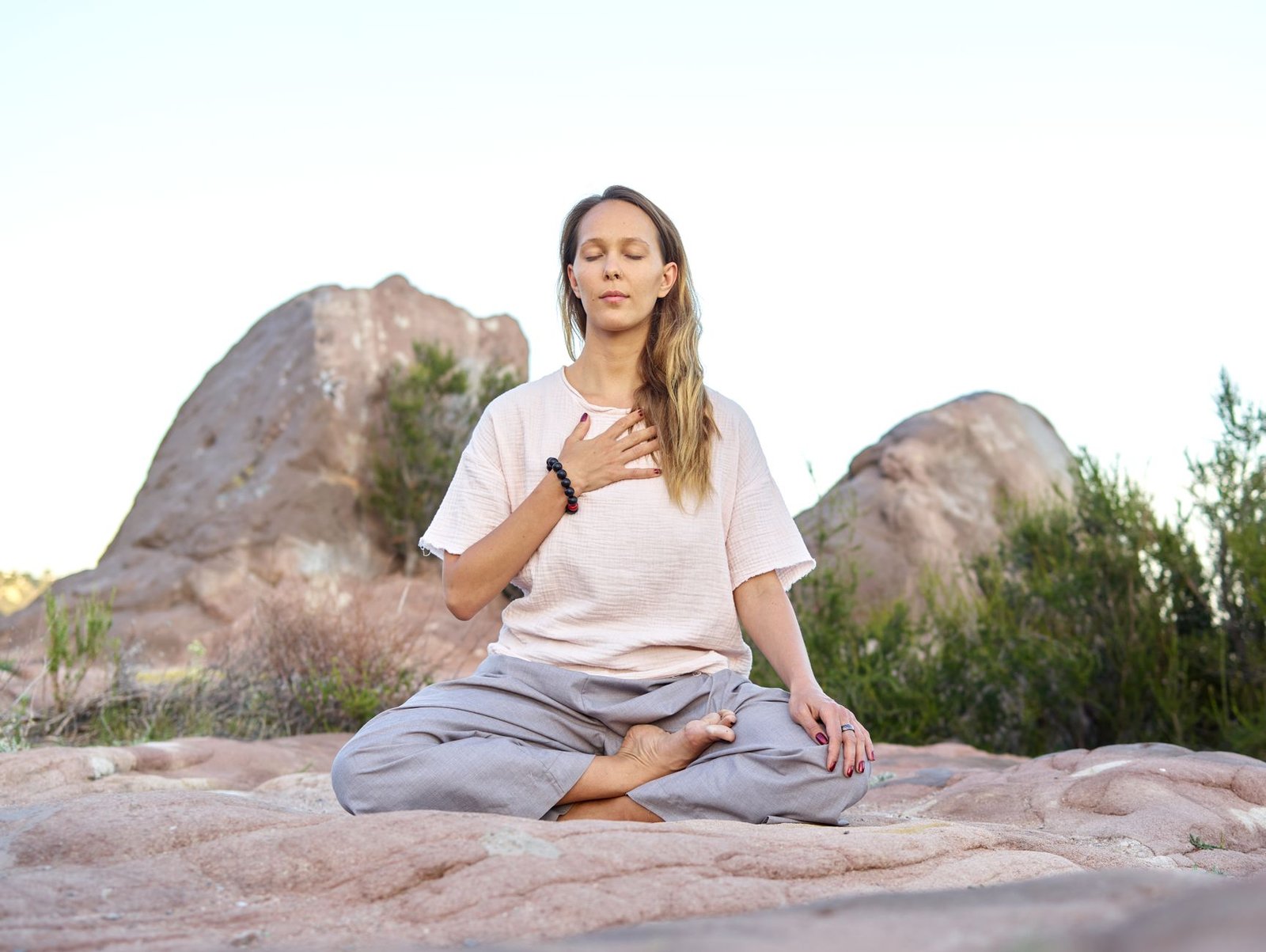
A few years ago, online counselling was the backup option. For a lot of people it is now the preferred one: no travel, no waiting room, and the session happens in a space that already feels like yours. Here is what to expect and how to get the most from it.
Does it work as well as meeting in person?
For many common concerns, including anxiety, low mood and stress, studies comparing video sessions with in-person sessions have found similar results. What predicts a good outcome is not the room but the relationship: feeling understood, feeling safe to be honest, and turning up consistently. All of those travel fine over a video call.
There are situations where in-person or more intensive care is the right choice, and Somesh will say so if that applies to you.
What you need
- A device with a camera: a phone works, a laptop or tablet is a little more comfortable.
- A steady connection: Wi-Fi where possible; if you're on mobile data, sit where the signal is strongest.
- Privacy: a room with a door, a parked car, a quiet corner of a terrace. Headphones keep the other half of the conversation private too.
- Google Meet: it runs in a browser. No account or app is needed to join a link.
Setting up your space
Sit somewhere you'd be comfortable for an hour. Put light in front of you rather than behind, so your face is visible. Keep water within reach. If you live with others, a "do not disturb" for the hour is worth arranging in advance; it's hard to open up while listening for footsteps.
Joining the session
Your booking confirmation arrives by email straight away, and you'll receive the Google Meet link before the session. Open it a couple of minutes early, check your camera and microphone, and wait to be let in. If the connection drops, don't panic: rejoin the same link. If it keeps failing, Somesh can switch to a phone call so the session isn't lost.
Making the most of it
- Treat it like the real thing, because it is. Dress as you would to see someone, and give it your full attention.
- Say when something isn't working: if you can't hear well, or the camera angle makes you self-conscious, mention it. Small fixes make a big difference.
- Land gently afterwards. The commute home used to be a buffer; without it, give yourself ten minutes before you re-enter the day.
A note on confidentiality
Sessions are not recorded. What you share stays between you and Somesh, with the few exceptions every counsellor works with (a serious risk to life, or where the law requires it). You can read more about what is and isn't collected in the privacy notice.
Ready to try it?
A first consultation runs 45 minutes and is confirmed straight away. Choose a time that suits you.
Book a sessionThis article is general information, not personal advice. If you are worried about your safety or someone else's, contact a crisis helpline or emergency services.